Direct metadata editing
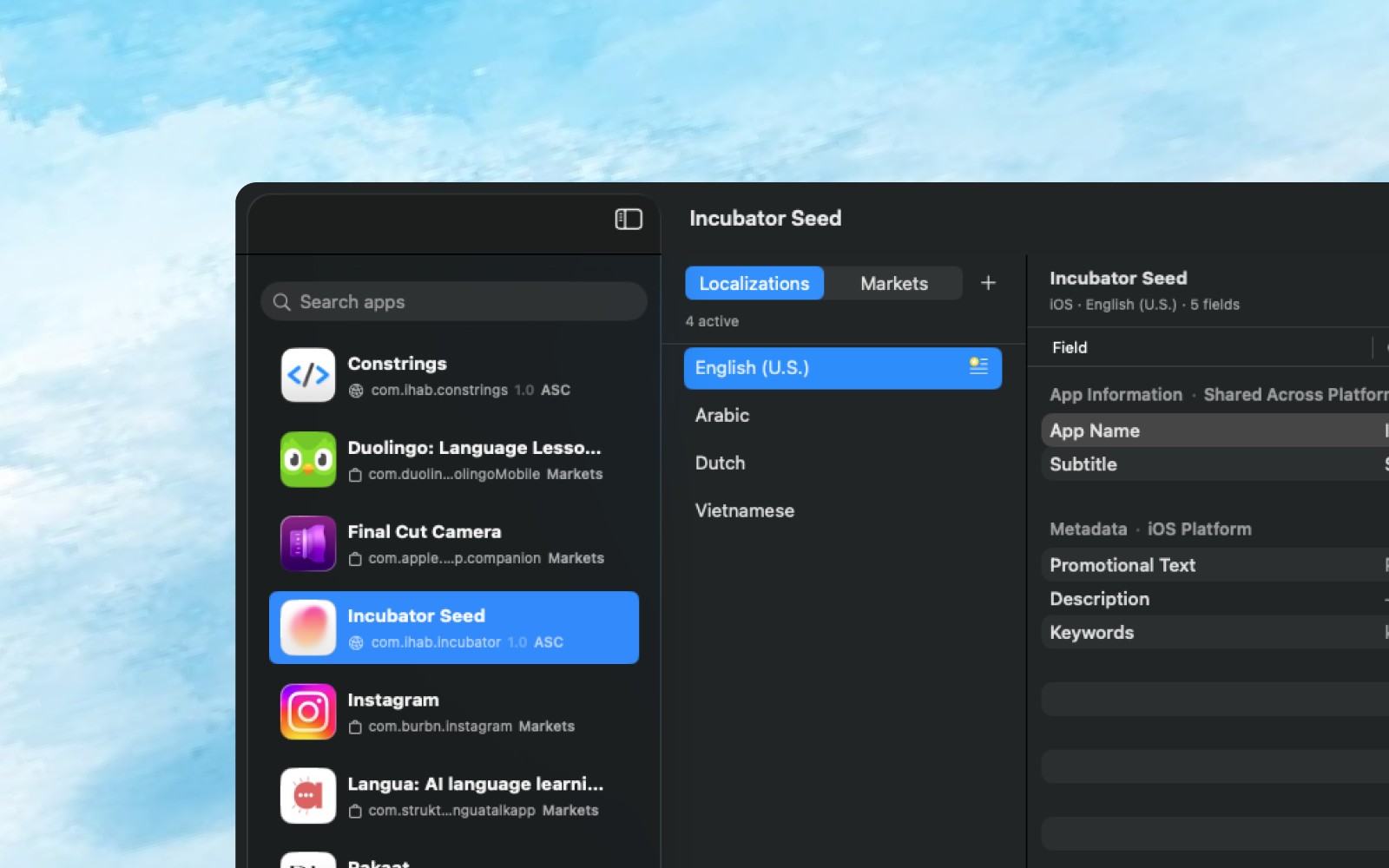
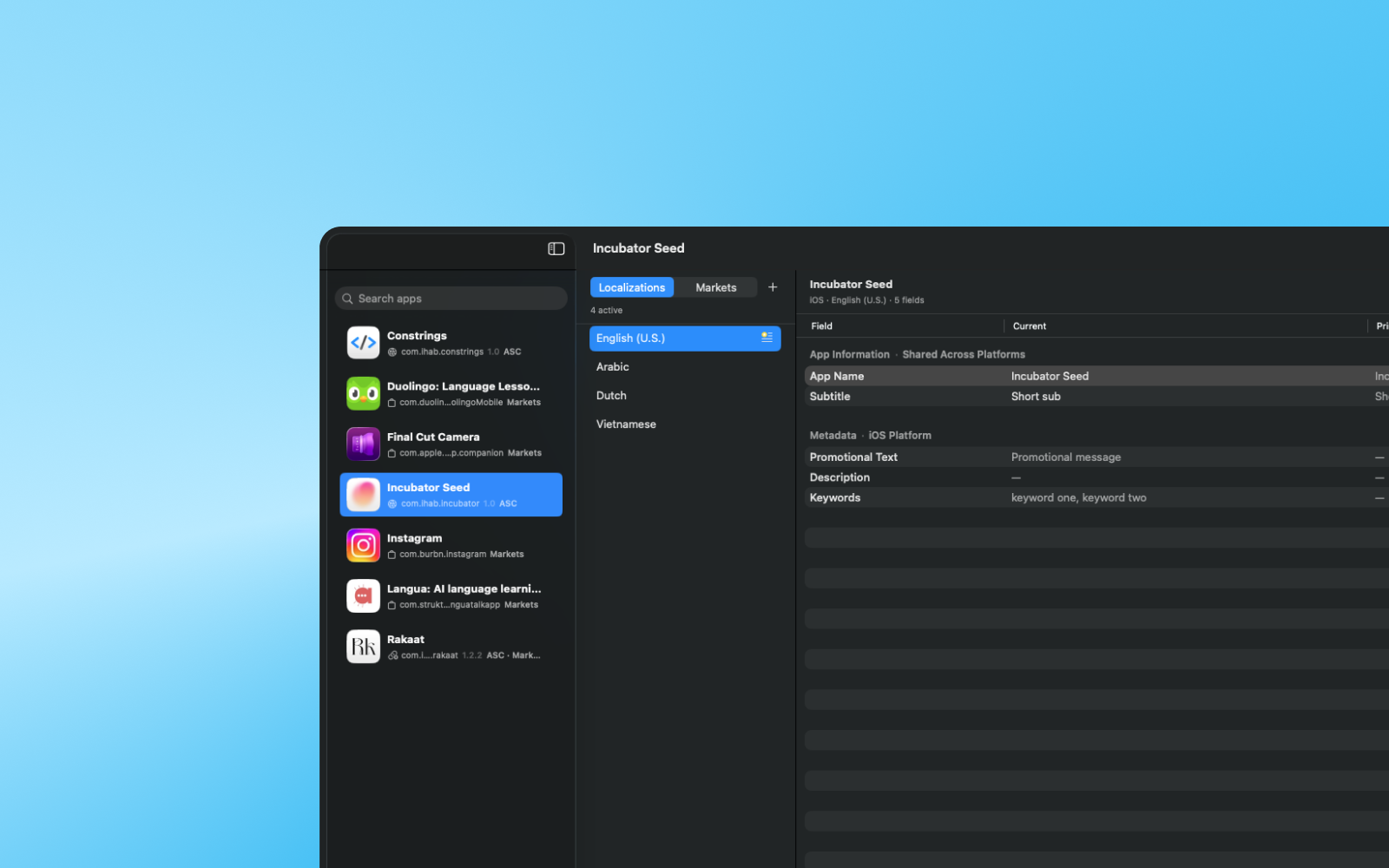
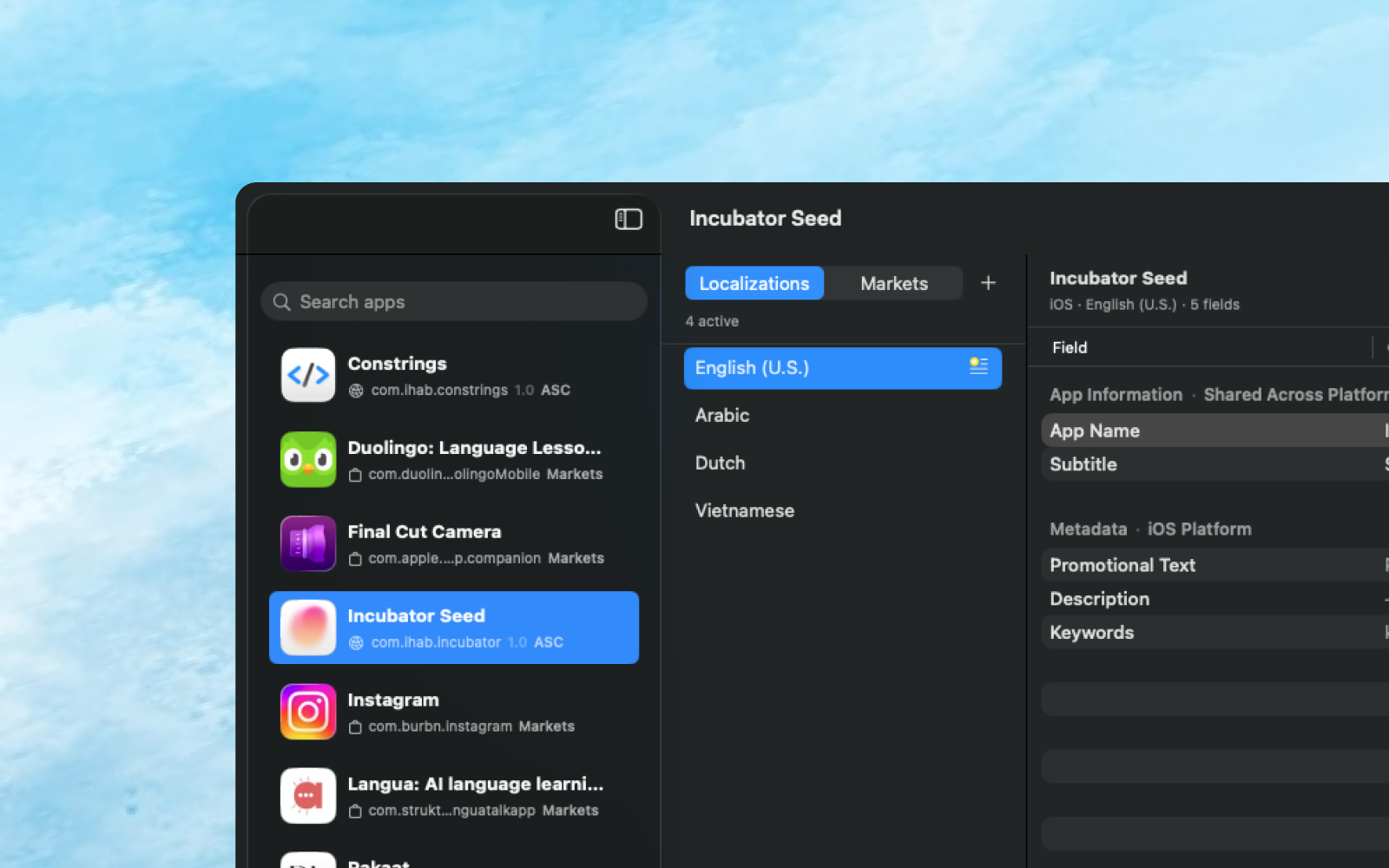
Edit App Name, Subtitle, Promotional Text, Description, Keywords, and What's New directly. Localization mode is not machine translation; it is a safer place to shape the text users and Apple will actually see.
App Store metadata fields
Primary language reference
Side-by-side language review
Platform-aware fields
Keep shared app information separate from version and platform metadata so iOS, iPadOS, and macOS contexts remain understandable.
Shared app information
Version metadata
Platform context
Readiness before saving
Run deterministic checks for length, byte budgets, keyword repetition, missing fields, and known App Store Connect save blockers.
Character limits
Keyword structure
Save blockers
App Store Connect draft review
Pull current metadata when you need it, review the save plan, and apply only the draft changes you intentionally chose.
Manual Pull
Diff review
Draft-only save
Local history and safety
Keep drafts and snapshots on your Mac so you can inspect what changed without trusting a remote writing assistant or a hidden scoring model.
Local JSON library
Snapshot history
Keychain credentials